
FREE TOOL
Match the look of a reference photo
Reference Match checks whether an edit you love can work on your own photo, what transfers and what would break. With invited beta access, you can then generate a Lightroom preset adapted to your image for one credit.
Two separate steps: Check match is free and public for JPEG, PNG and WebP images. Generate XMP requires an invited beta account and uses one credit; failed generation does not retain the charge.
Copy the look, not the pixels
Copying edit settings from one photo to another rarely works: different light, white balance and subject turn the same sliders into a different look. Reference Match first checks whether the look of a reference edit can transfer to your photo, and how.
How to use it
- Open PhotoMind and choose the Reference match tab. No account is needed for the check.
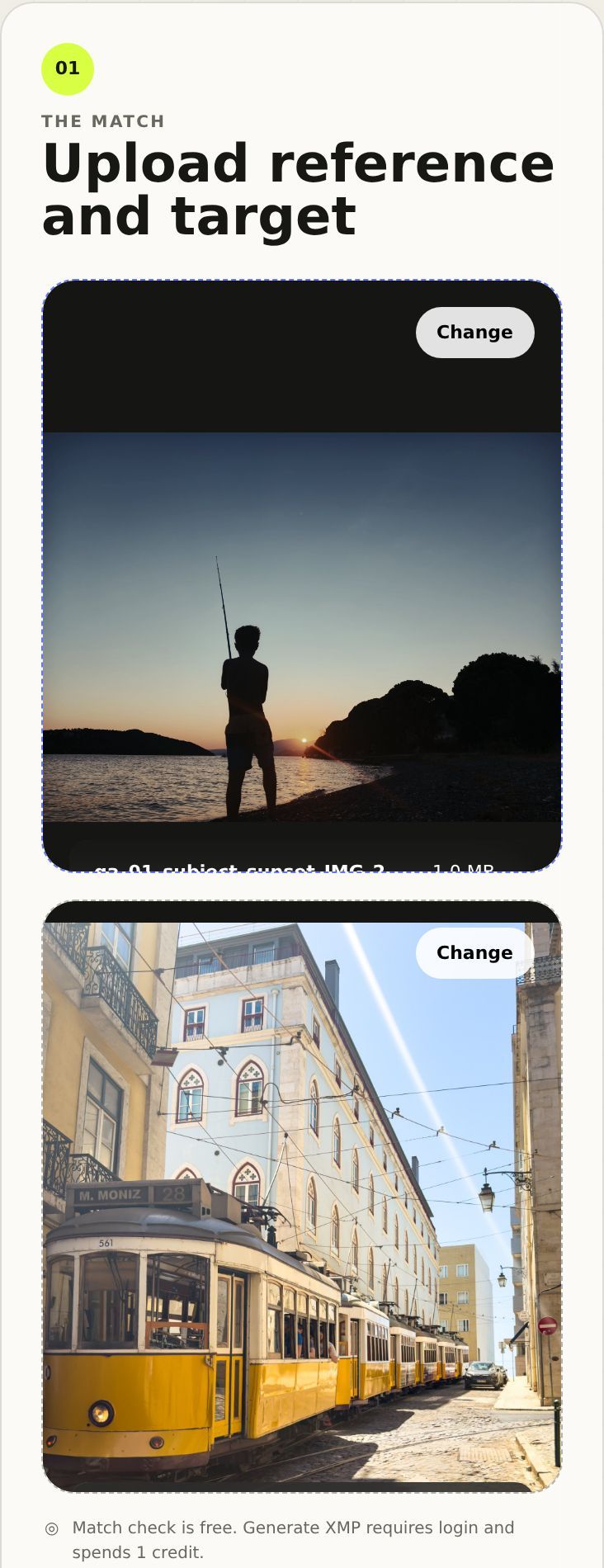
- Upload the reference: an edited photo whose look you like (JPEG, PNG or WebP).
- Upload your target: the photo you want to edit.
- Tap Check match. PhotoMind compares the two and returns a match potential score.
- Optional: Generate XMP. With a beta account, PhotoMind builds a Lightroom recipe and XMP preset adapted to your target (1 credit). Signed-in users can also use a RAW target.
Reading the result
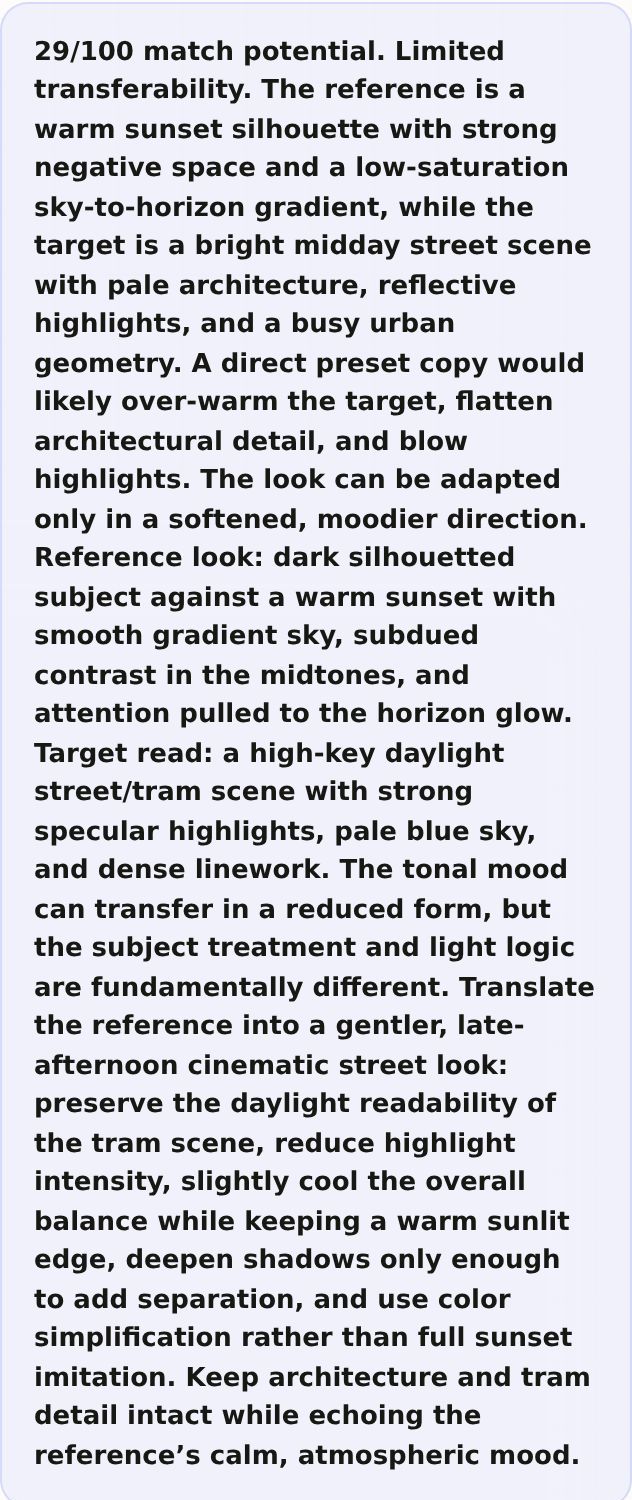
The check is honest about what can and cannot carry over. In this example the score is low, 29/100, because a sunset silhouette and a bright midday street have very different light. Instead of forcing a sunset preset onto the tram, it suggests a softer, cinematic late-afternoon version of the look.
- Match potential: how much of the look can realistically transfer.
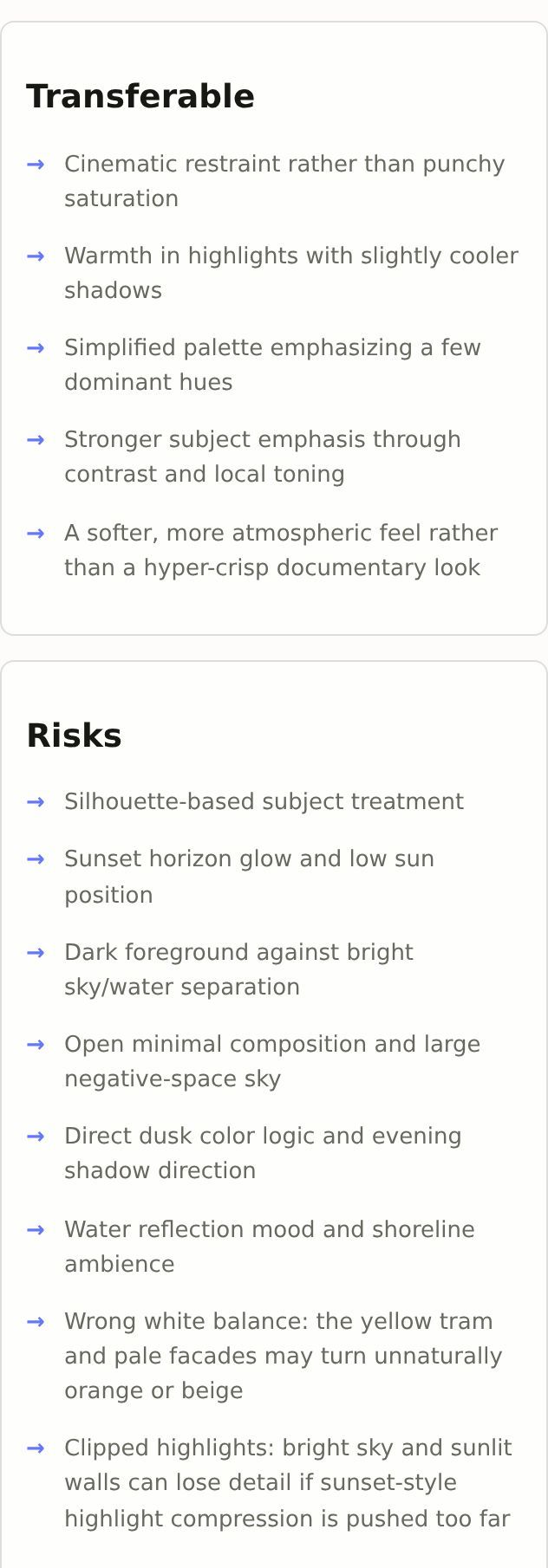
- Transferable: the traits worth carrying over, such as restraint, warm highlights with cooler shadows, or a simplified palette.
- Risks: what would go wrong with a direct copy, such as wrong white balance or clipped highlights.
When you generate the XMP
The generated preset follows the reference's intent but is grounded in your target: supported masks are planned for your target photo rather than copied from the reference. Review their placement and refine the result in Lightroom. Import it like any PhotoMind preset with the XMP guide.