
FREE TOOL
Find the color palette of any photo, free
The PhotoMind Palette Guide shows which colors really lead your photo and how to edit around them. Free, in your browser, no account needed.
What it does
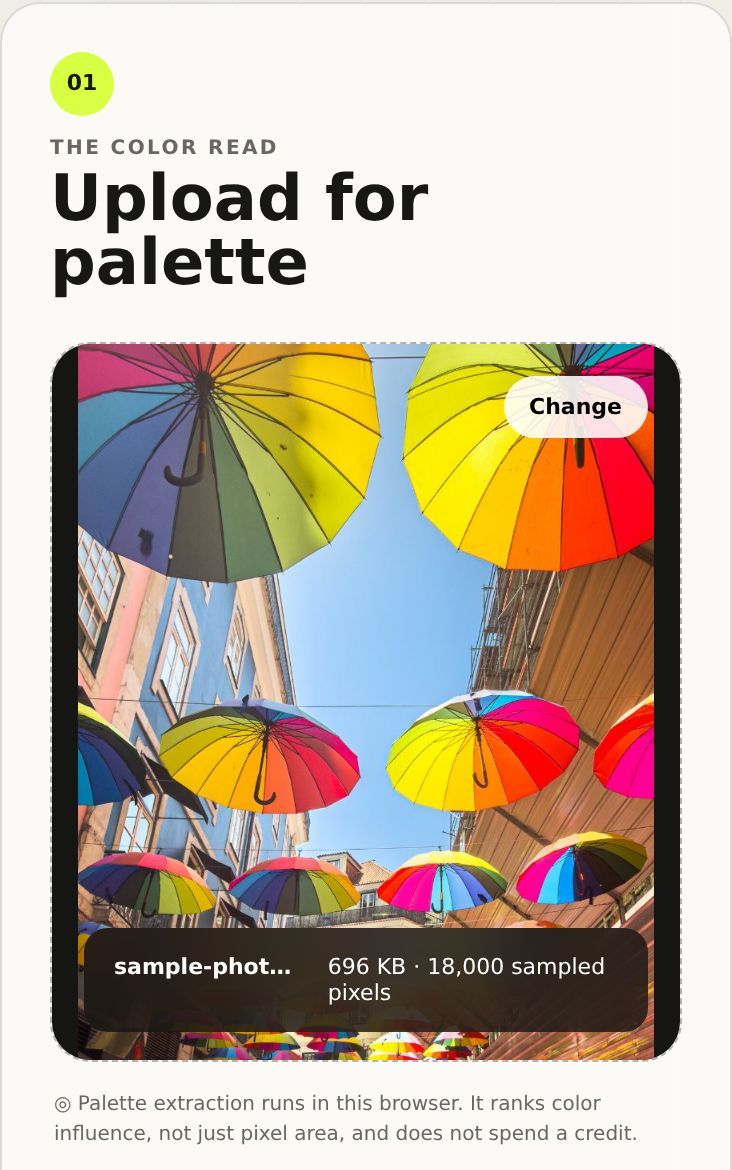
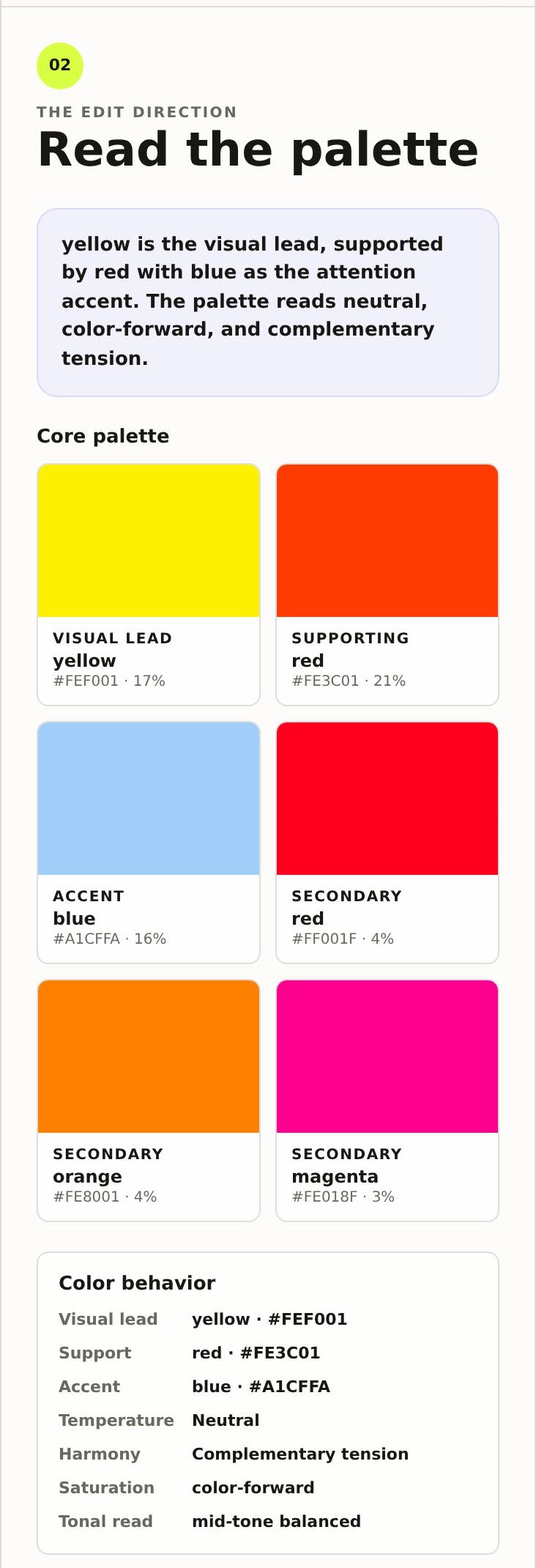
Upload a photo and the Palette Guide reads its colors right in your browser. Instead of counting which color covers the most pixels, it ranks colors by visual influence: saturated mid-tones move up, deep shadows, bright highlights and grey neutrals move down. The result is the palette your eye actually notices.
- A visual lead, supporting and accent colors with HEX codes.
- Temperature, harmony, saturation and tonal read of the image.
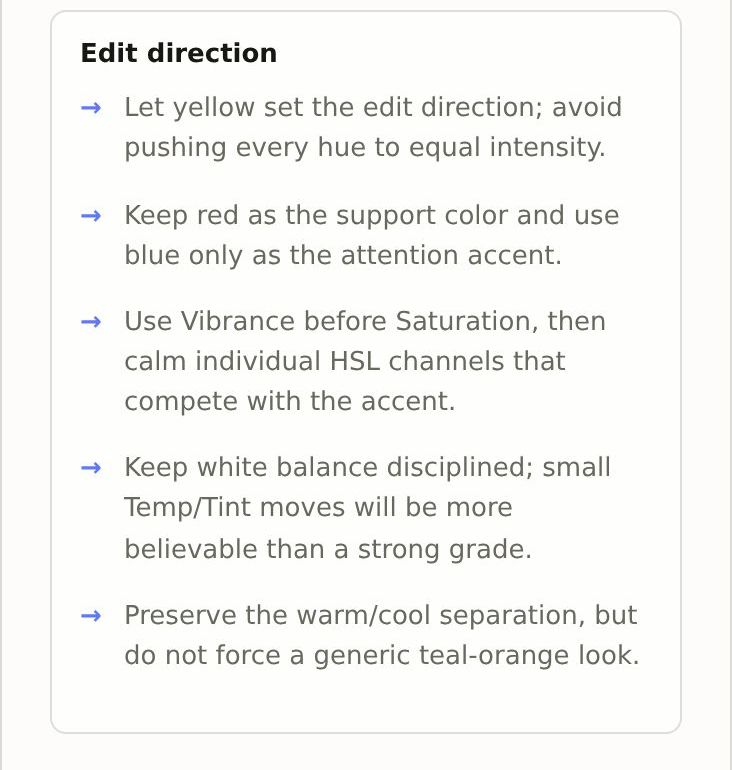
- A short edit direction written for Lightroom.
- A copyable palette brief you can paste into a full PhotoMind analysis.
How to use it
- Open PhotoMind; the Palette guide is the first tab. No account is needed.
- Upload a JPEG, PNG or WebP (up to 25 MB). Signed-in beta users can also use RAW files.
- Read the palette: the swatches, the color behavior and the edit direction.
- Copy the brief, or tap Add to analysis to carry it into a full report (needs a beta account).
Good uses
- Finding the one color that should lead your edit before you touch HSL.
- Keeping a consistent color story across an Instagram grid or a series.
- Checking whether a warm/cool contrast is really there before you push it.
The free Palette Guide is a color read, not a full critique. For composition, light, technical quality and a Lightroom recipe with an XMP preset, use the full analysis.