ANALYSIS GUIDE
Get the best analysis with the Photo Brief
A few honest choices about your photo make the critique sharper and the Lightroom recipe closer to what you want. Here is what each Photo Brief option does.
The Photo Brief is a short set of choices you fill in next to your photo. It tells PhotoMind what you were trying to capture and where the edit should go. The image always comes first: when the brief and the photo disagree, PhotoMind follows what is actually visible and explains the trade-off.
The options, one by one
Evaluation goal
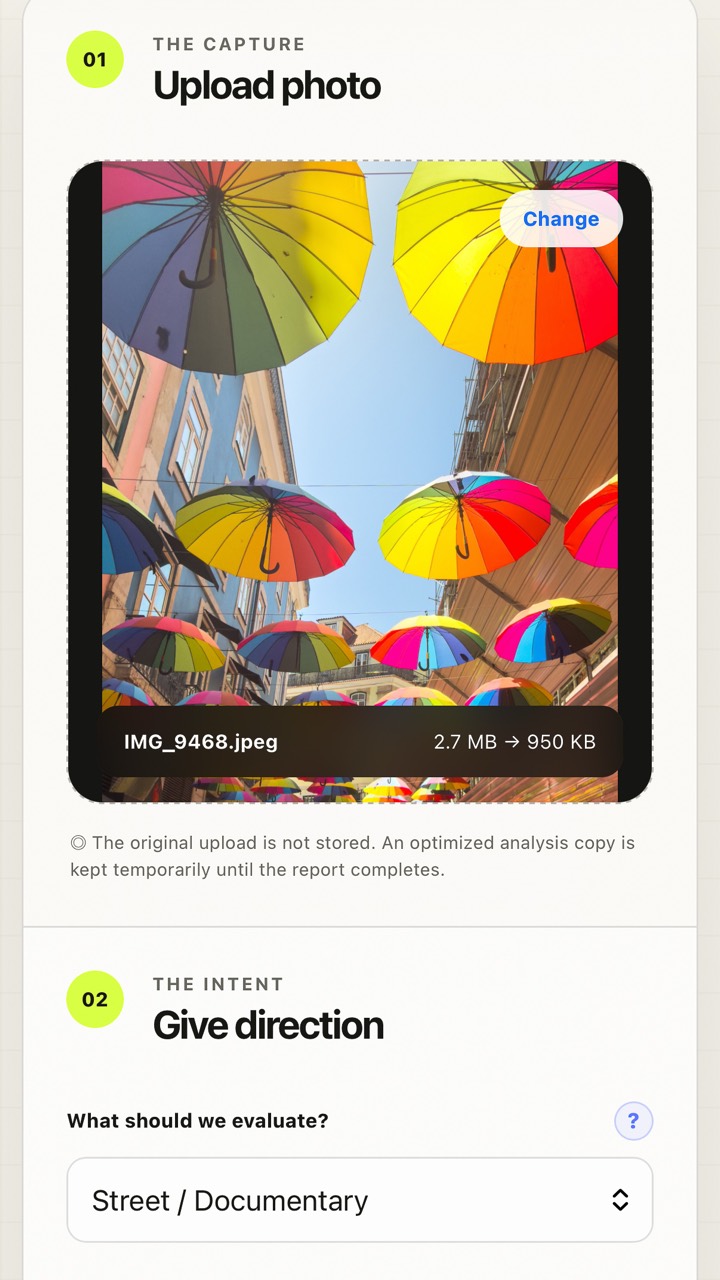
Sets the lens of the critique: Overall, Portrait / People, Landscape / Travel, Street / Documentary, Product / Food, Architecture / Interior, Event / Moment, Fashion / Beauty or Social Impact. A street photo judged as documentary keeps its authentic wires and signs; the same photo judged for social impact gets more attention to first-glance clarity.
Capture priorities (up to 2)
What mattered to you when you pressed the shutter: atmosphere, emotion, clear subject, moment, light / color, composition, texture, place / memory, truth of the moment or commercial clarity.
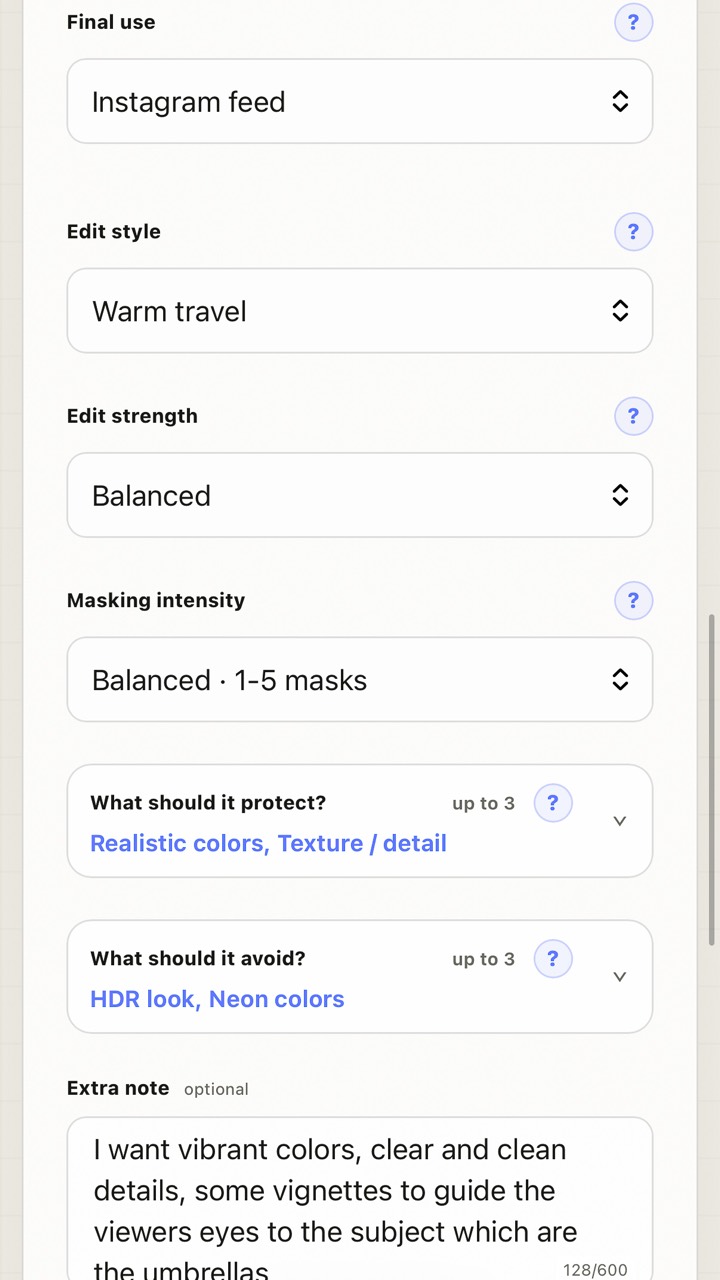
Final use
Where the photo is going: learning only, Instagram feed, story / vertical, portfolio, print, client delivery, product page, ad creative, personal archive, or a quick keep / edit / reject decision. This shapes crop options and how polished the recipe should be.
Edit style and edit strength
The direction of the look (for example warm travel or natural) and how far to push it. Balanced is a good default.
Masking intensity
- Light touch (0–3 masks): mostly global, restrained edits.
- Balanced (1–5 masks): normal local shaping when it helps.
- Strong (3–8 masks): more local work when the image supports it.
PhotoMind never adds filler masks: if local editing is not needed, the plan stays global.
Protect and avoid (up to 3 each)
Guard rails for the edit, such as realistic colors or texture / detail to protect, and HDR look or neon colors to avoid. They always apply, even when your note asks for something bolder.
Write an extra note that works
The optional note is your own direction in plain words, up to 600 characters. Good notes are specific about the result, not about sliders:
- "Vibrant but believable colors, clean detail, a light vignette to keep the eye on the umbrellas."
- "Keep the evening mood; I don't want the shadows lifted too much."
Turn on Prioritize my note when your direction should outweigh PhotoMind's default edit preference. PhotoMind will follow a more personal or stylized path when the photo can support it, while still avoiding fake detail and respecting your protect / avoid choices.
Choosing the file
- RAW gives PhotoMind the camera metadata and lets it plan for your original file. Apply the resulting XMP to that RAW.
- JPEG / PNG / WebP work well for phone photos and finished exports.
- One photo per analysis. A completed report uses 1 credit; failed runs are not charged.
Tip: run the free Palette Guide first and use Add to analysis to carry its color direction into the brief.
What you get back
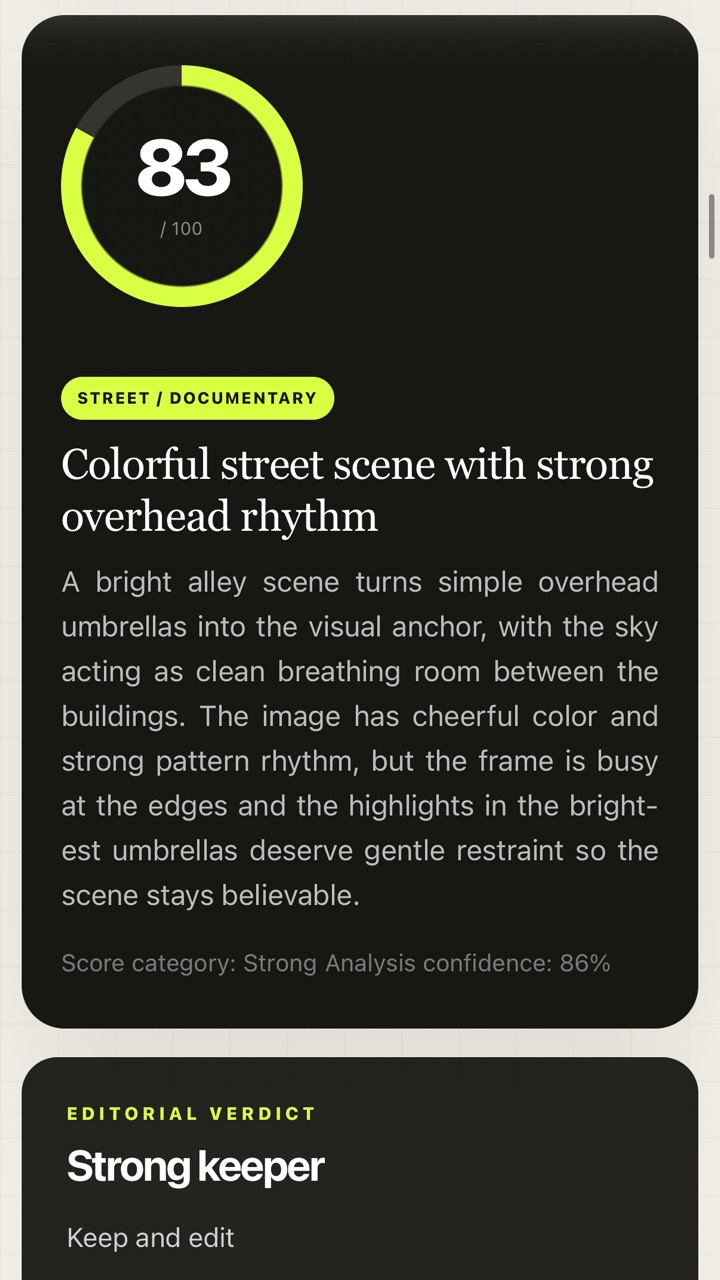
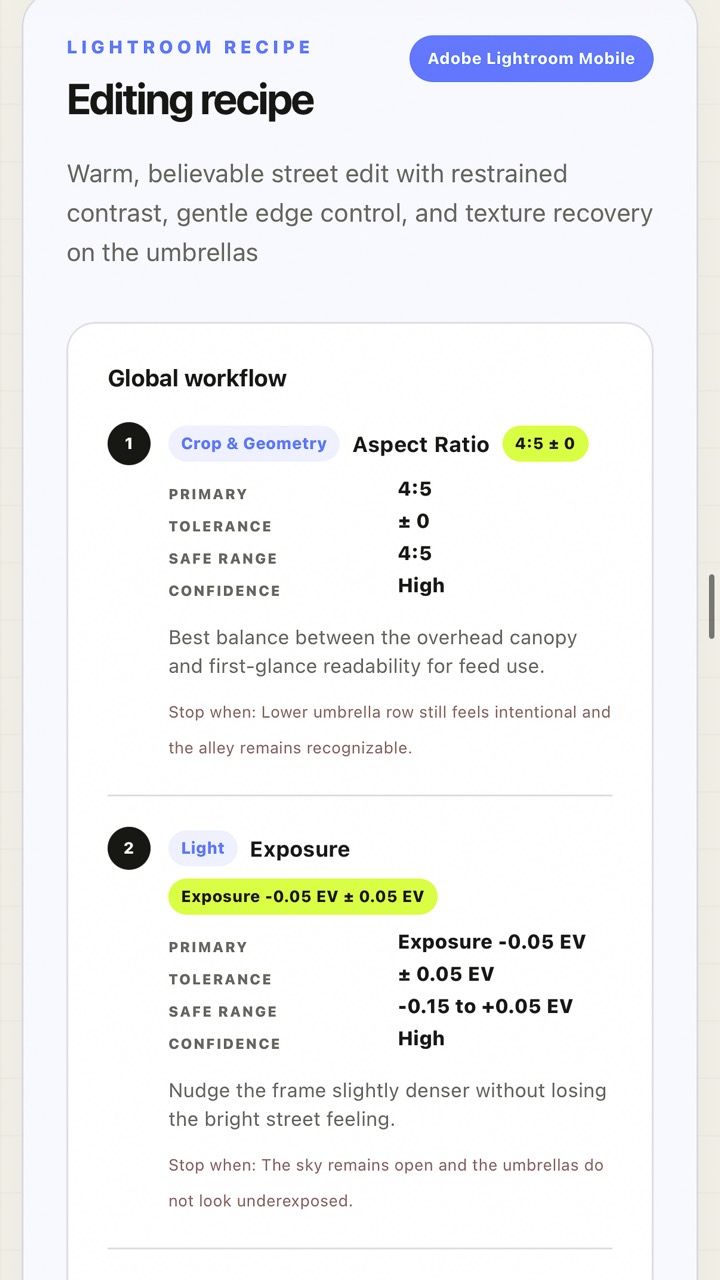
A score with an editorial verdict, a technical check, creative feedback, crop advice and a step-by-step Lightroom recipe with value ranges and stop conditions, plus the downloadable XMP preset.