What works and what weakens the frame
PhotoMind separates taste from craft: it explains where the image has visual force, where it feels unfinished, and which decisions matter most before publishing.
 PhotoMind Beta guide
PHOTOMIND BETA
PhotoMind reads a photograph like a demanding editor: it explains technical quality, composition, mood, storytelling, and the exact Lightroom direction that would make the image stronger.
STEP BY STEP
Start with a JPEG or supported RAW workflow. PhotoMind prepares the image for analysis without turning the beta into a bulk editing tool.
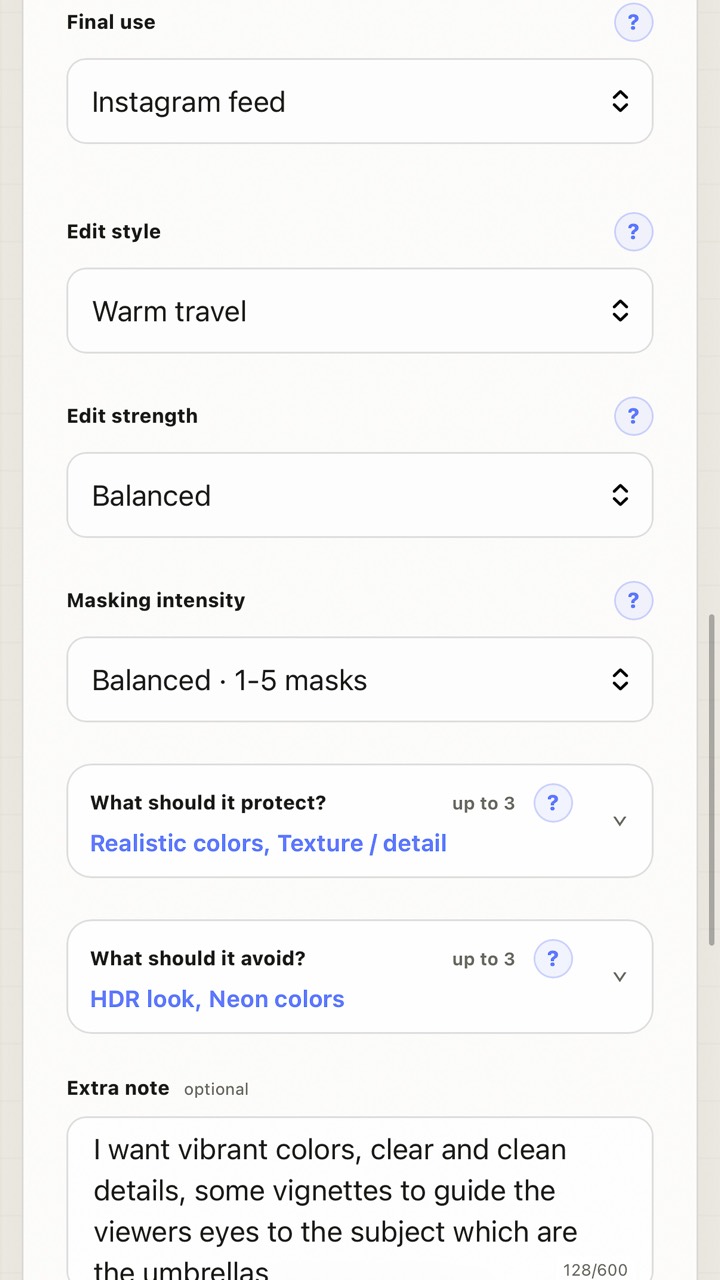
Tell PhotoMind the genre, intended use, editing style, output target, and whether you want a professional-priority review.
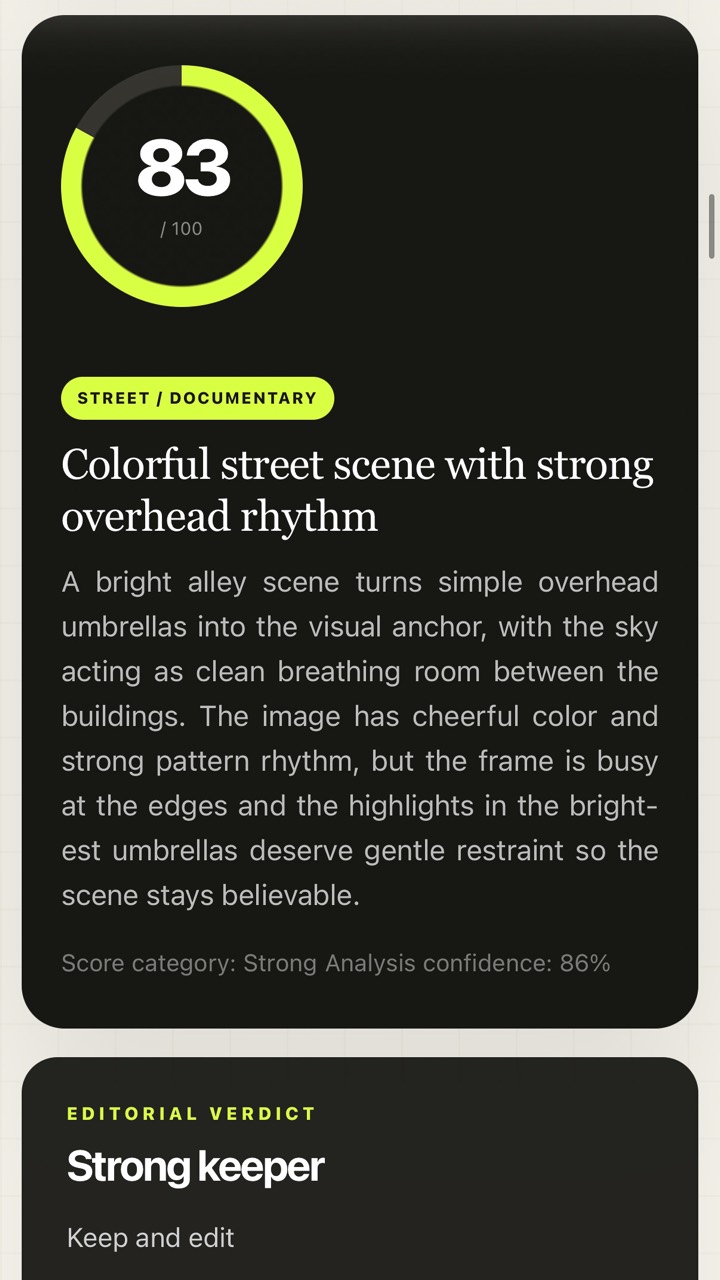
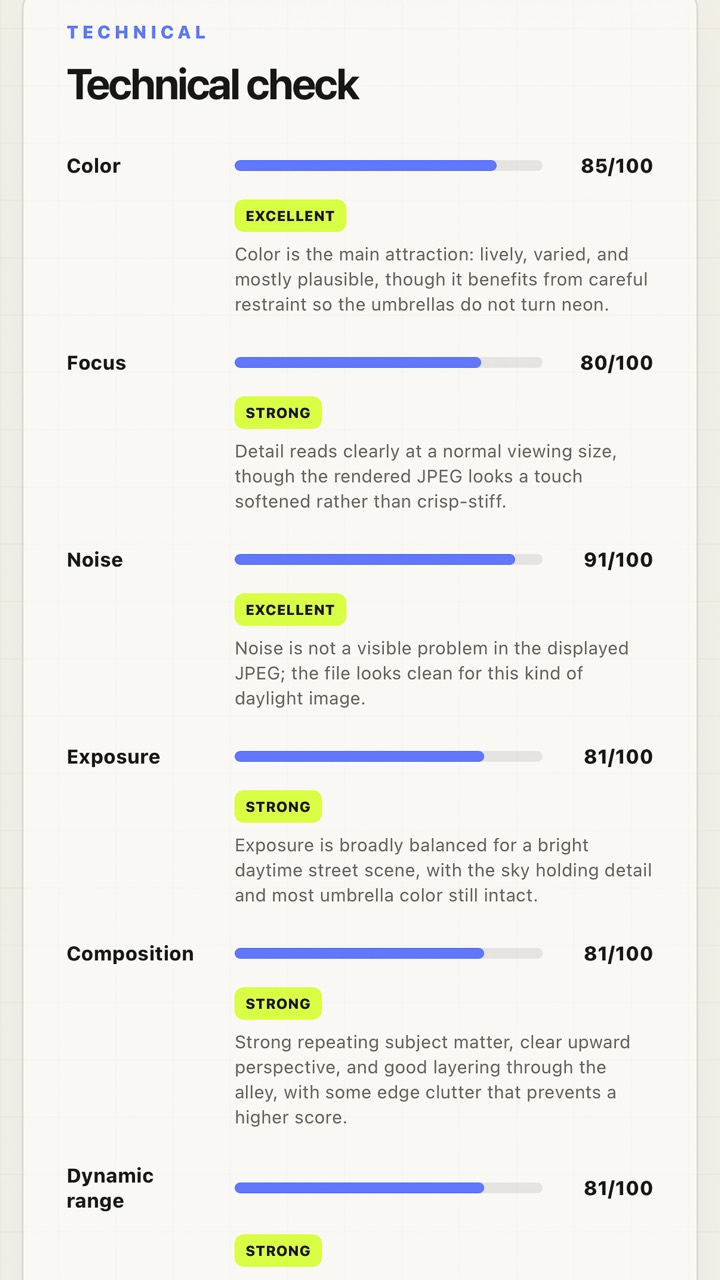
The report scores technical execution, composition, light, color, subject impact, storytelling, editing state, and export readiness.
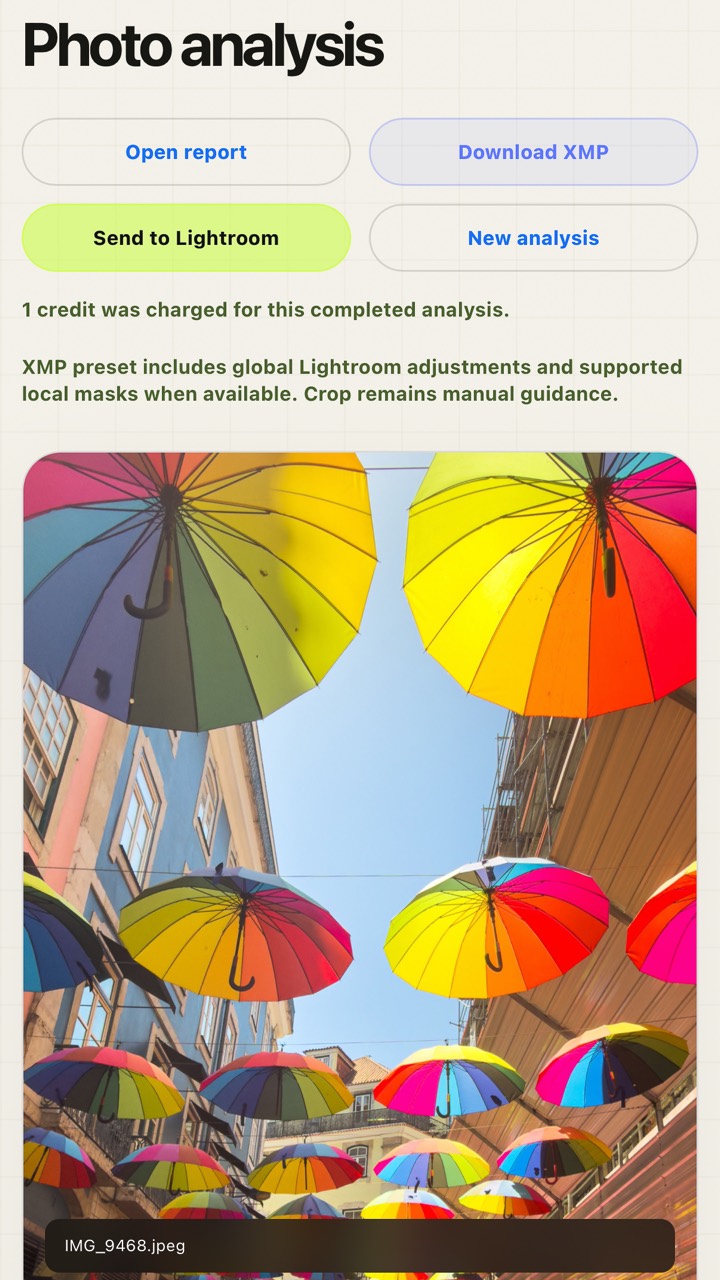
Open the shareable report, save it as PDF, download a Lightroom XMP starting point, or send the JPEG to Lightroom when your Adobe connection is available.
REAL SAMPLE
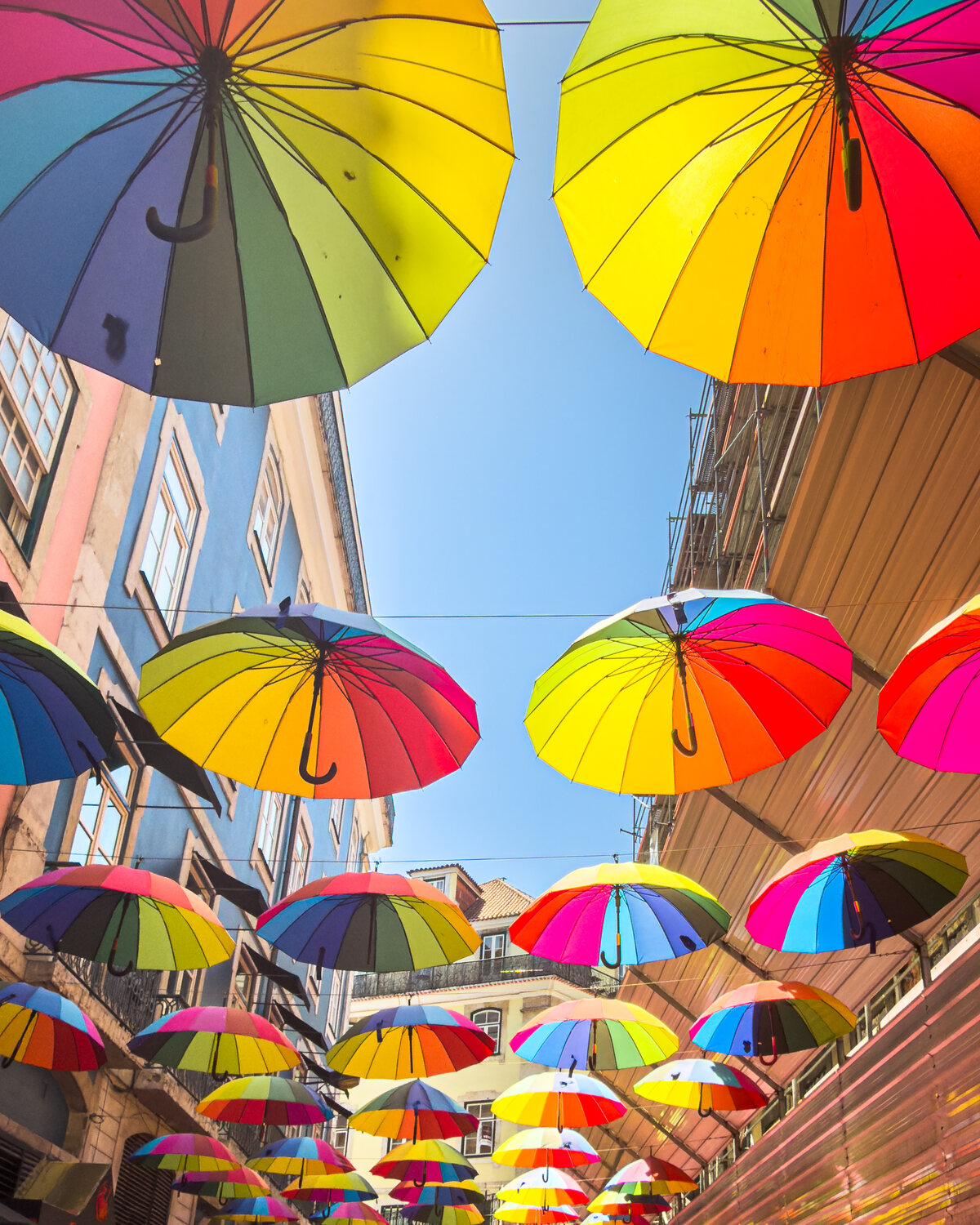
REPORT PREVIEW
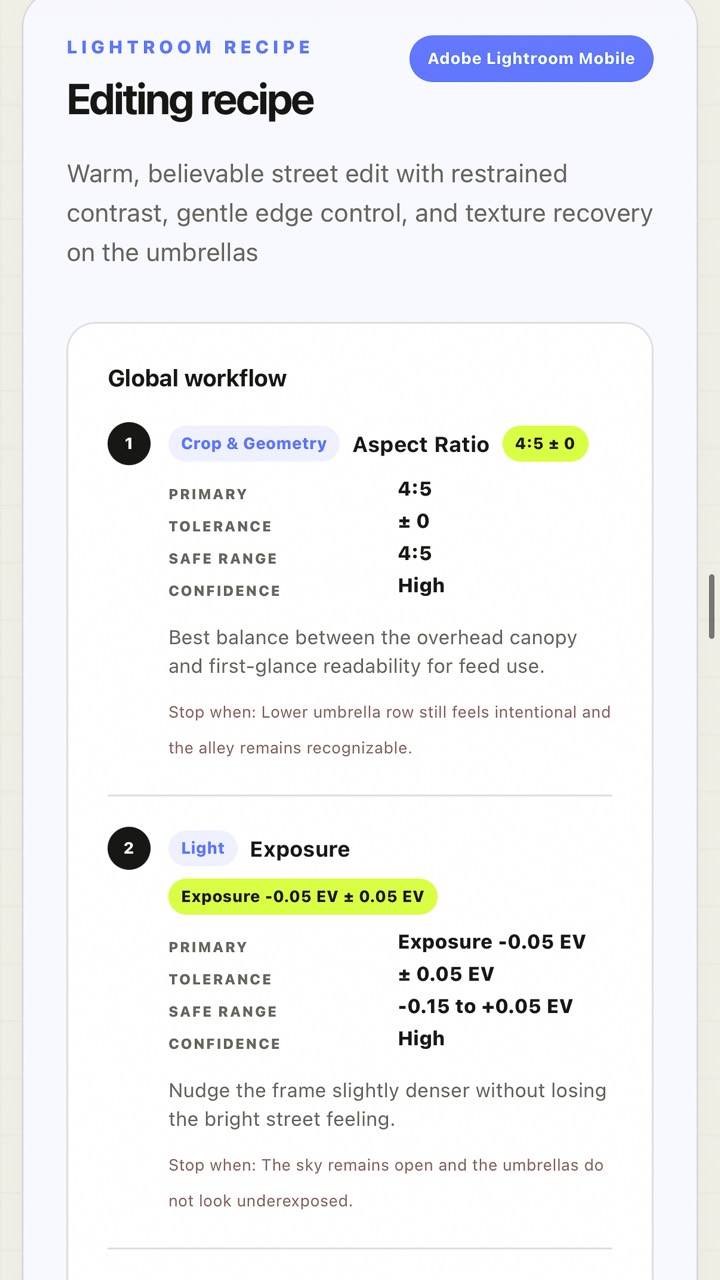
This sample shows the real handoff: original photo preview, requested brief, overall score, editorial verdict, technical breakdown, Lightroom recipe, and local-mask guidance.
Open sample report ↗ Request beta access →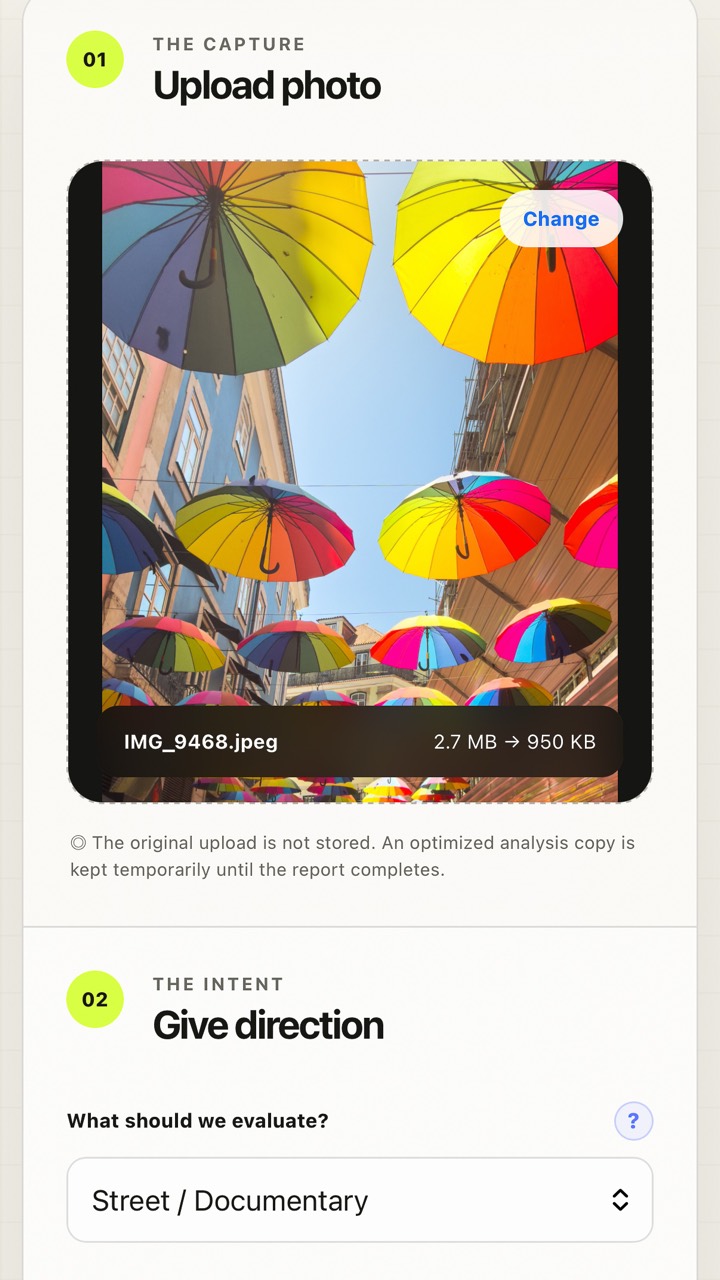
WHAT YOU GET
PhotoMind separates taste from craft: it explains where the image has visual force, where it feels unfinished, and which decisions matter most before publishing.
The report translates critique into exposure, tone curve, color, detail, crop, cleanup, and masking guidance that you can apply in Lightroom.
Downloaded XMP files are designed to carry supported global adjustments and Mobile-tested Phase 1 local masks when a report includes them. They are not a final edit, and they still need your eye.
PRIVATE BETA
Beta users are invited gradually. Access usually includes a temporary password, a small credit allowance, and a request for practical feedback after real reports.
Reports are retained for a limited beta window, account export is available, and original uploads are not treated as public gallery assets.
PhotoMind is a critique and editing-direction system. It does not replace the photographer, publish images automatically, or promise that every AI judgment will match your creative intent.